One click
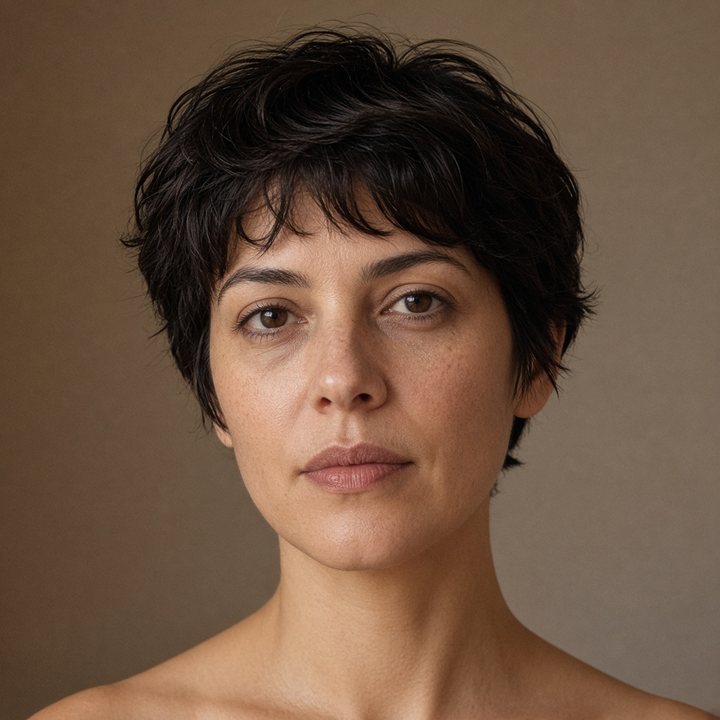
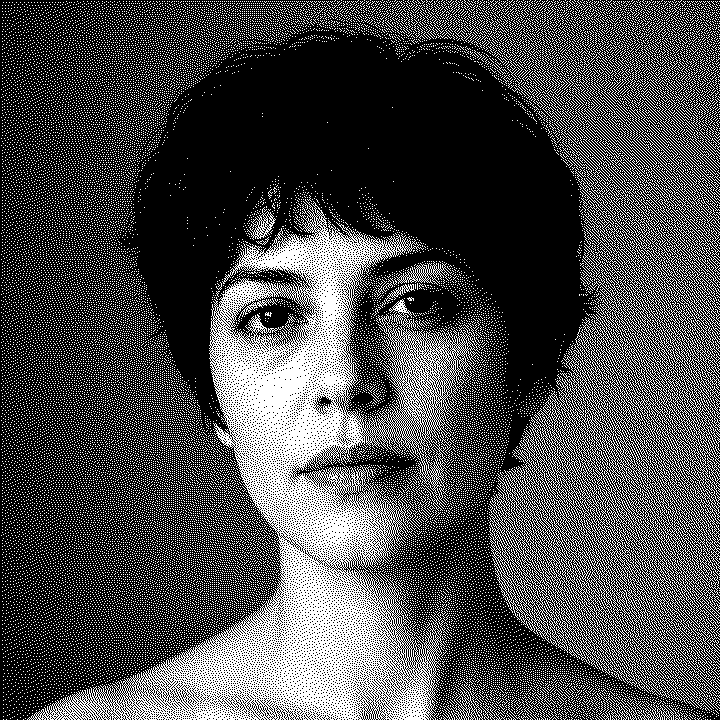
Upload a photo, pick the material, and the profile sets contrast, gamma, and dither for you.
Try one click
Toolset
Each tool does a different job. One click, Easy, and Advanced prepare a material. Everything else opens on its own page, with its own result.
Upload a photo, pick the material, and the profile sets contrast, gamma, and dither for you.
Try one click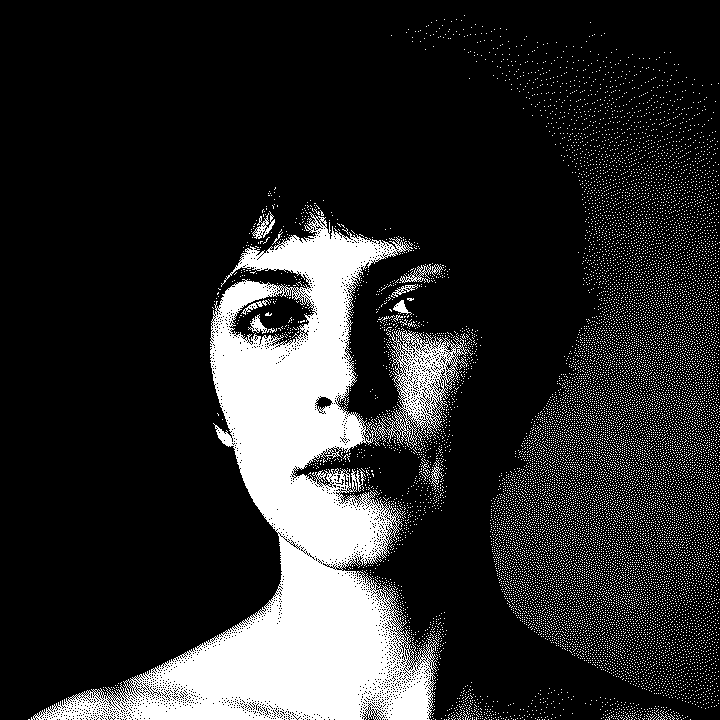
Start from a material, then move brightness, contrast, sharpness, and the dither while the dots update.
Open Easy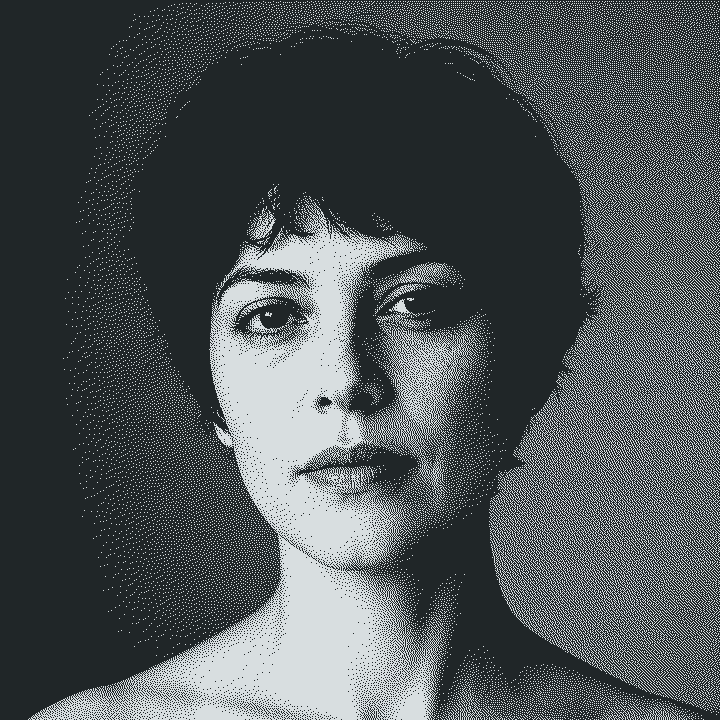
Rotate, resize, invert, set the split point, and choose the dither pattern the burn needs.
Open Advanced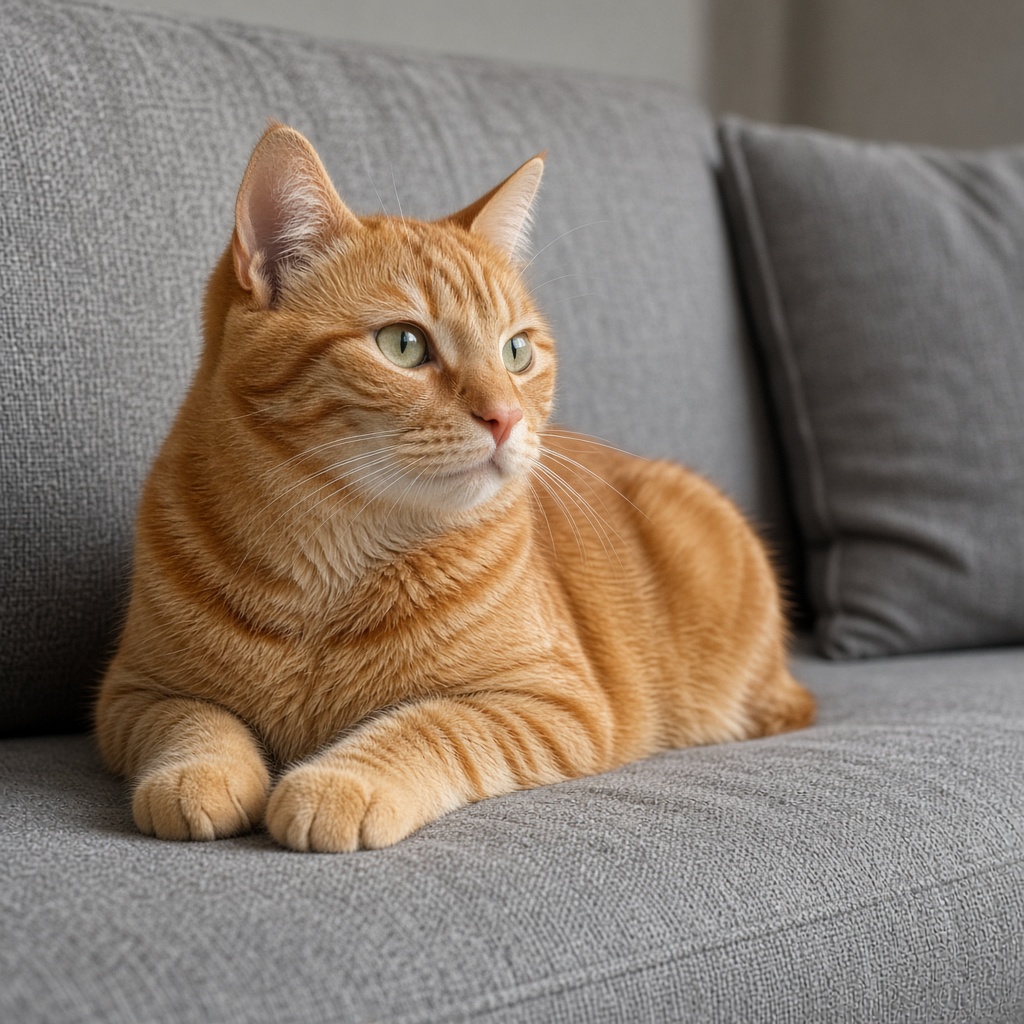
Removes the background and keeps the subject on a transparent PNG.
Open tool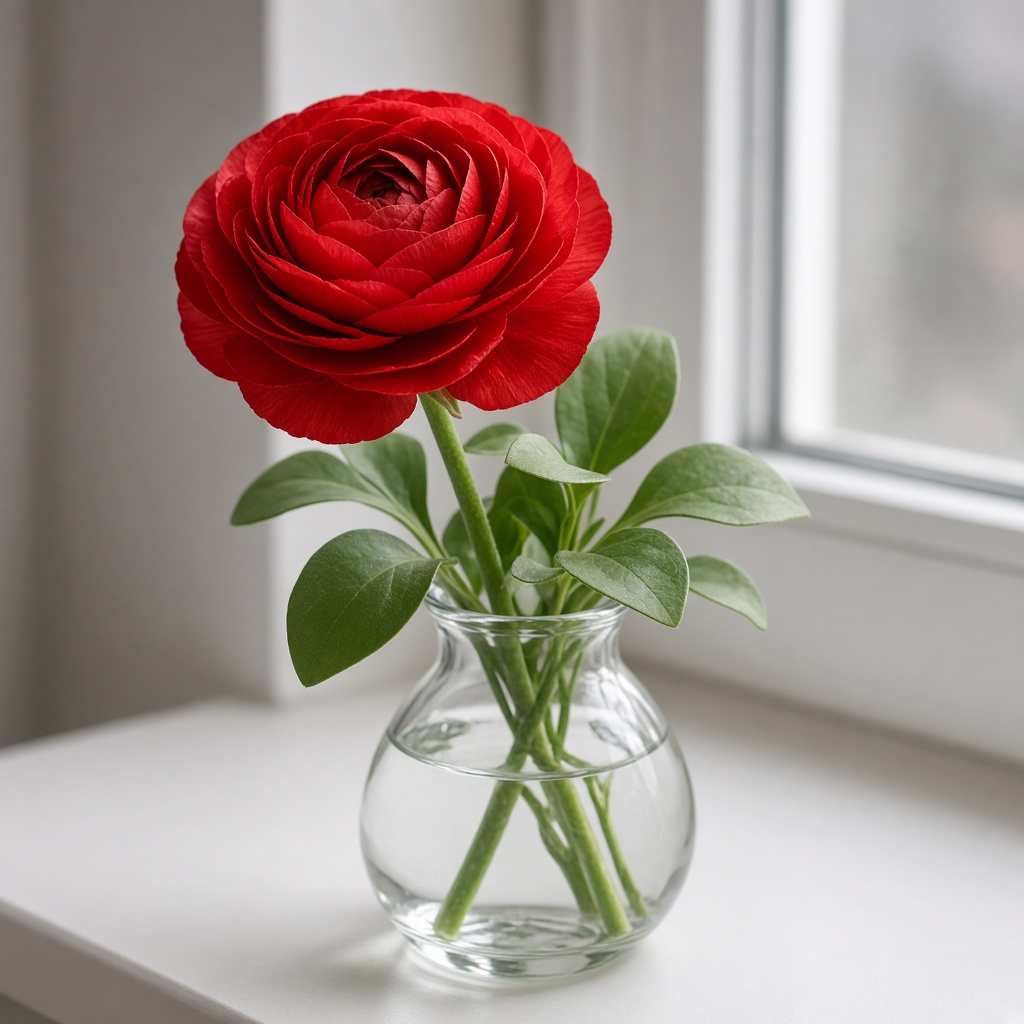
Doubles a photo and rebuilds detail instead of only stretching pixels.
Open tool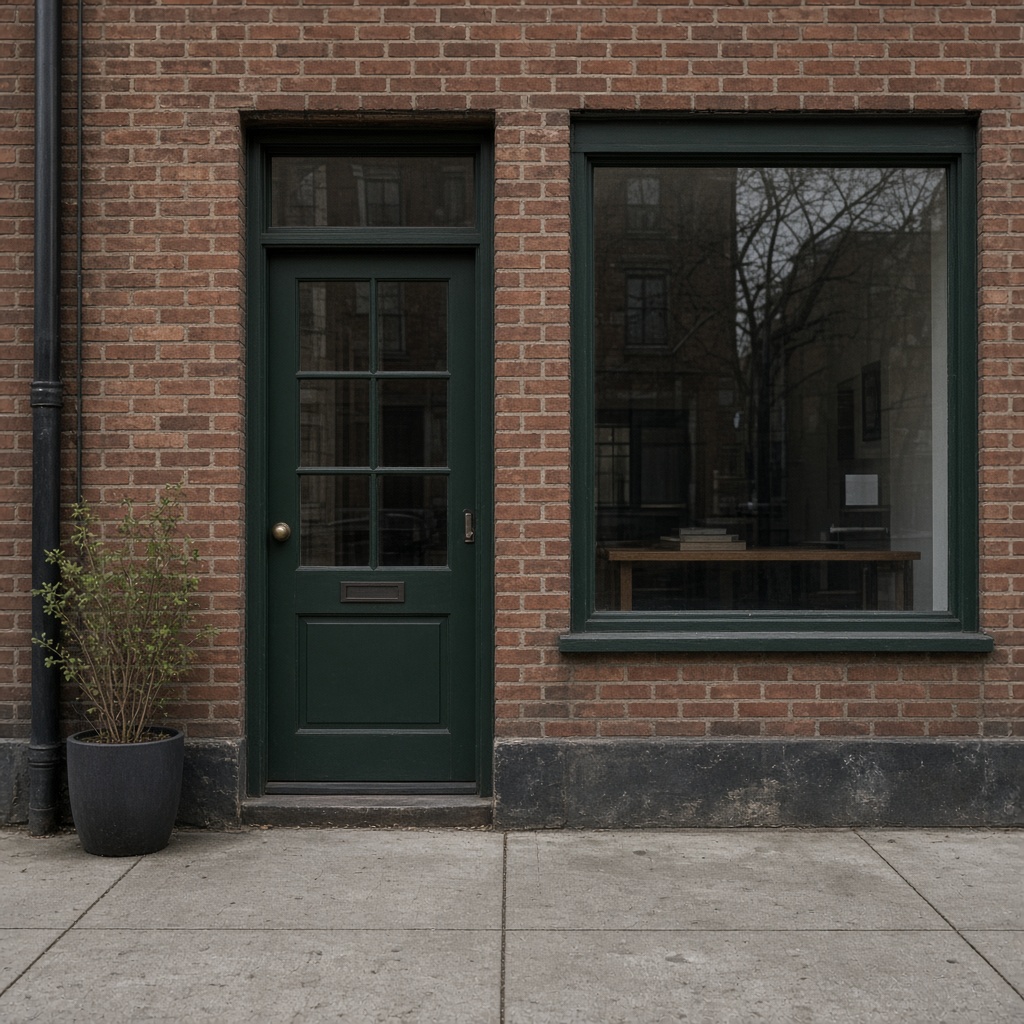
Traces the subject outline as vector paths for a laser or vinyl cut.
Open tool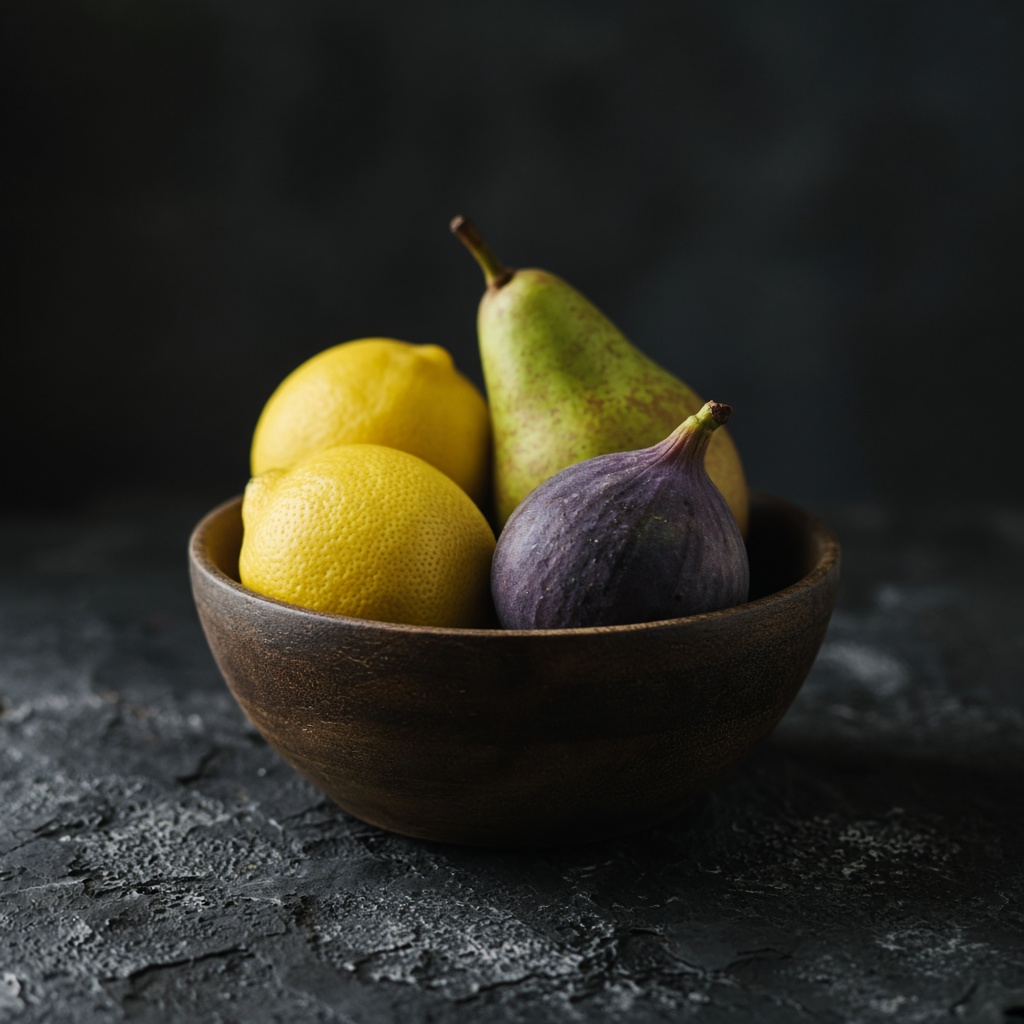
Shows the same photo dithered at several DPI values.
Open tool
Turns a photo into a grayscale height map and a bas-relief STL.
Open tool
Builds a split-letter monogram with a name band, optional keychain, and backplate.
Open toolAdds predicted color to a black-and-white or sepia photo.
Open tool
Fills thin scratches, cracks, and crease lines from the pixels around them.
Open toolDraws a laser-cut puzzle that follows the photo's shape.
Open toolMakes a QR code with a module shape, colors, and an optional gradient.
Open toolReduces a photo to flat colors and traces each color into SVG shapes.
Open tool